
Smart Reminder: to-do list and reminder app with email backup
Never miss a deadline again. Smart Reminder sends reminders when you need them, even in battery saver and Low Power Mode, lets you snooze or complete a task right from the notification, and emails you a backup so nothing slips through. Free to download.
Easy-share link for bios and WhatsApp: pureperspective.in/go/smart-reminder
Who it is for
Professionals, students and freelancers who want a reliable daily planner with powerful alerts.
- Platforms
- Android, iOS
- Version
- 2.0.0
What Smart Reminder does
Task management
Create tasks with due dates, times, notes and priority.
Recurring tasks
Repeat tasks daily, weekly or monthly.
Categories
Organise with Personal, Work, Health and your own custom categories.
Colour-coded for clarity
Colour-coded categories make your list readable at a glance.
Calendar view
See everything on a calendar at a glance.
Notifications that fire in Low Power Mode
Reminders are built to arrive even in battery saver and Low Power Mode.
Snooze or complete from the notification
Act on a reminder without opening the app.
Email reminders as a backup
Turn on email for a task and get a backup email if it is still pending or snoozed. Pending tasks are checked about every 15 minutes, so expect it within minutes, not instantly.
Real-time sync across devices
Sign in and your tasks stay in step on all your devices.
Offline-first
Works without internet and syncs when you reconnect.
Encrypted cloud storage
Your data is stored in the cloud behind secure authentication.
Light and dark theme
Switch themes any time in Settings.
Clean, distraction-free interface
A minimal design built for focus, with progress tracking across your task list.
Screenshots
-
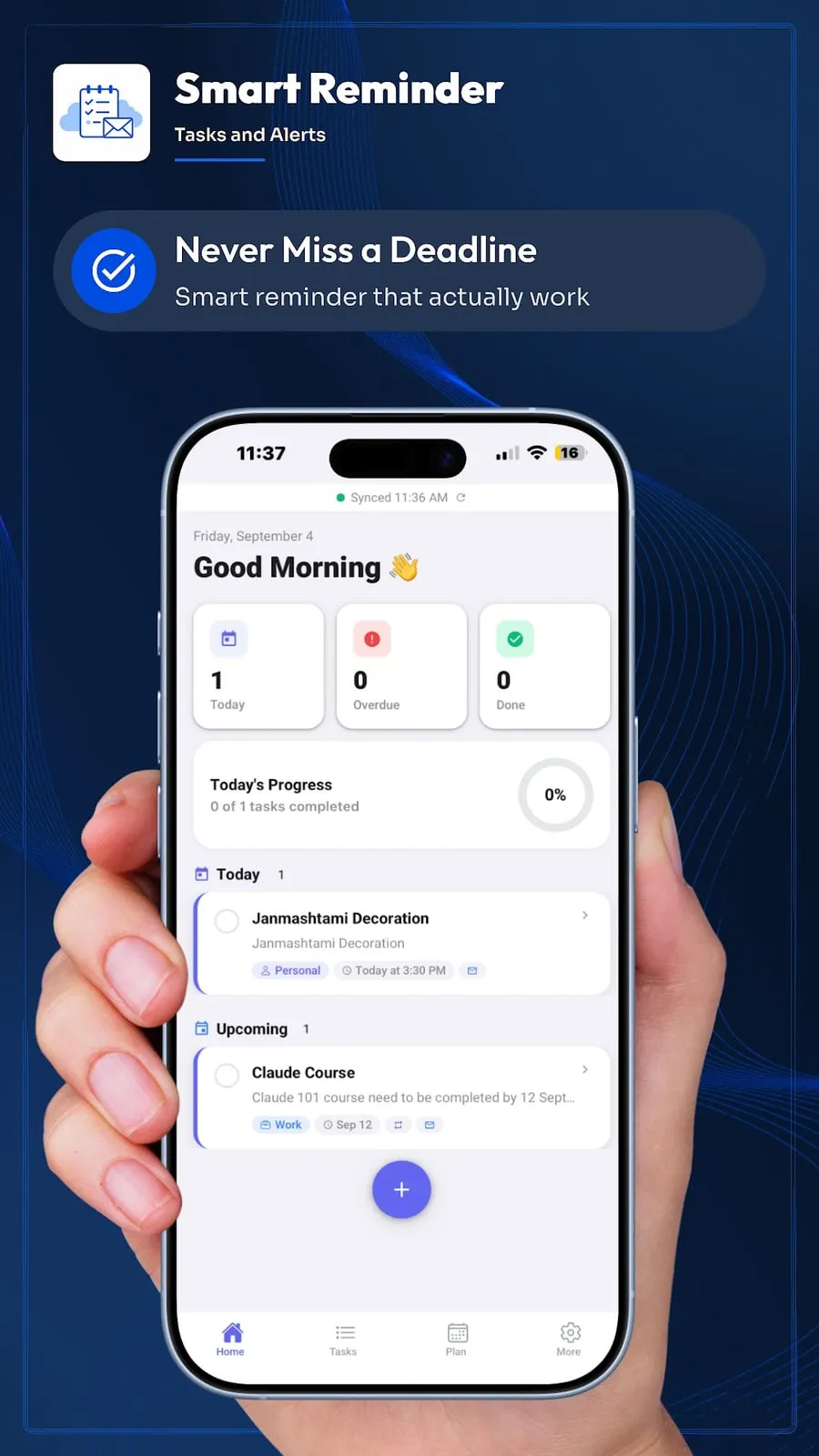
Home
-
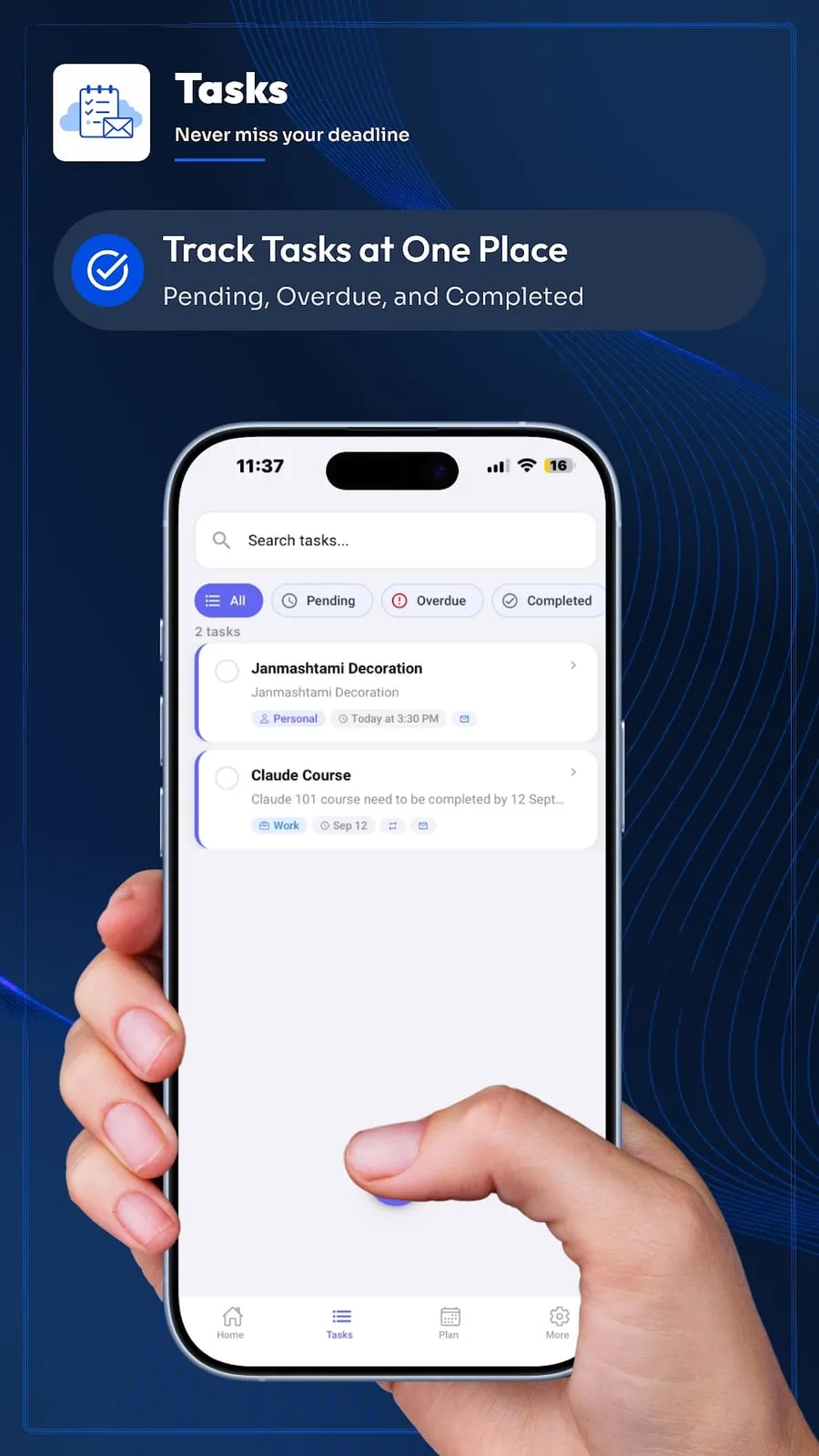
Tasks
-
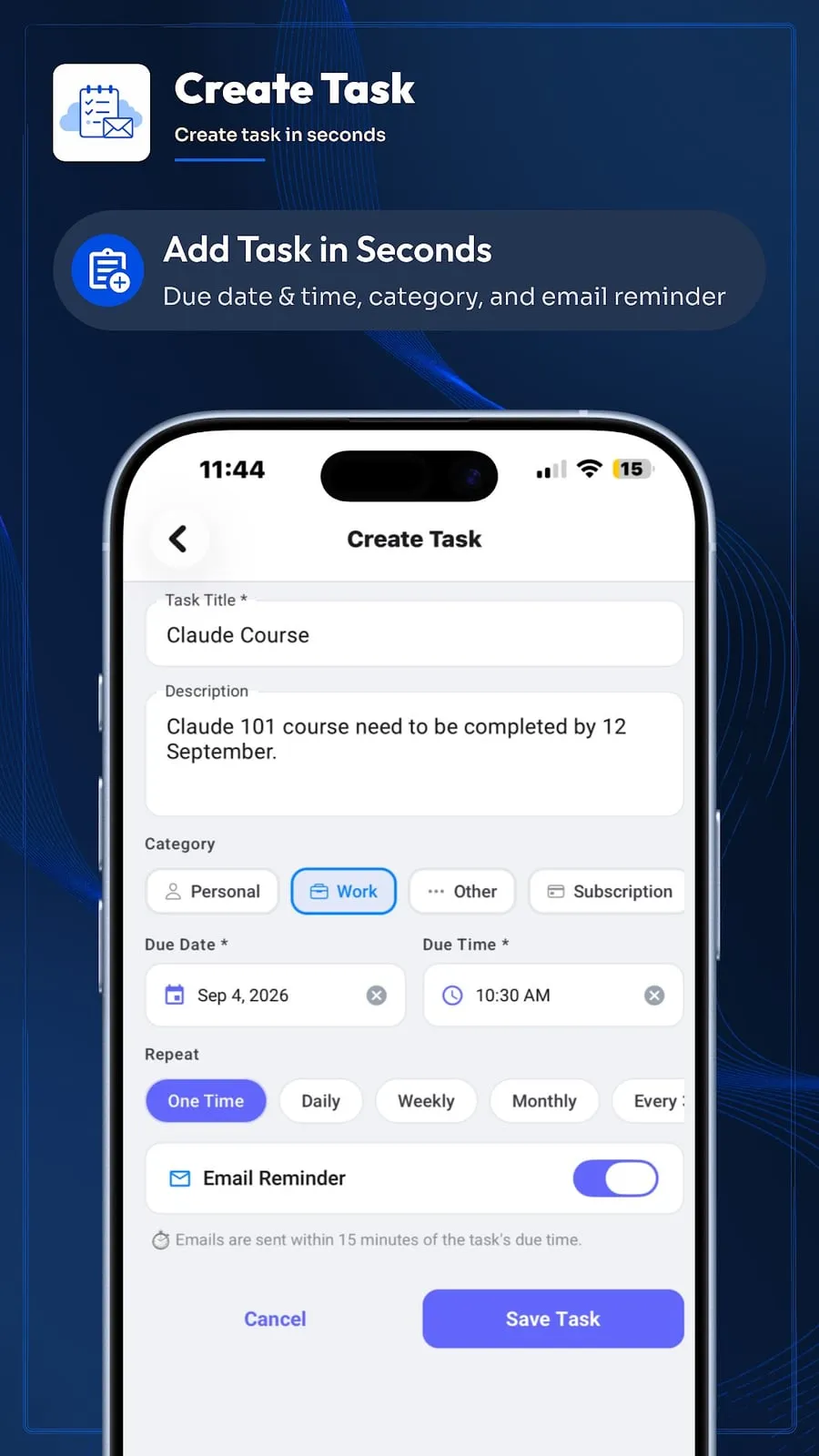
Create a task with email reminder
-
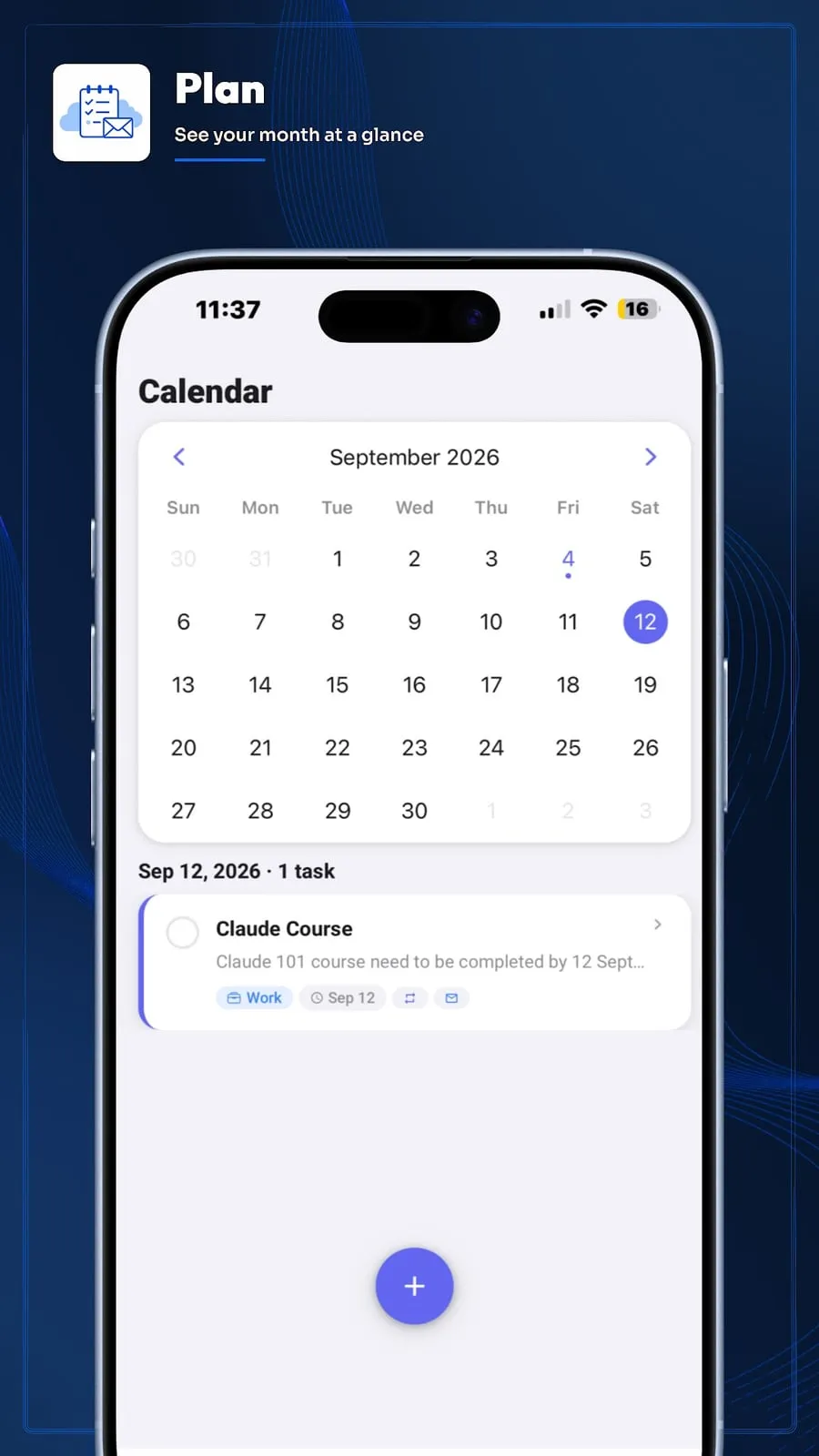
Plan calendar
-
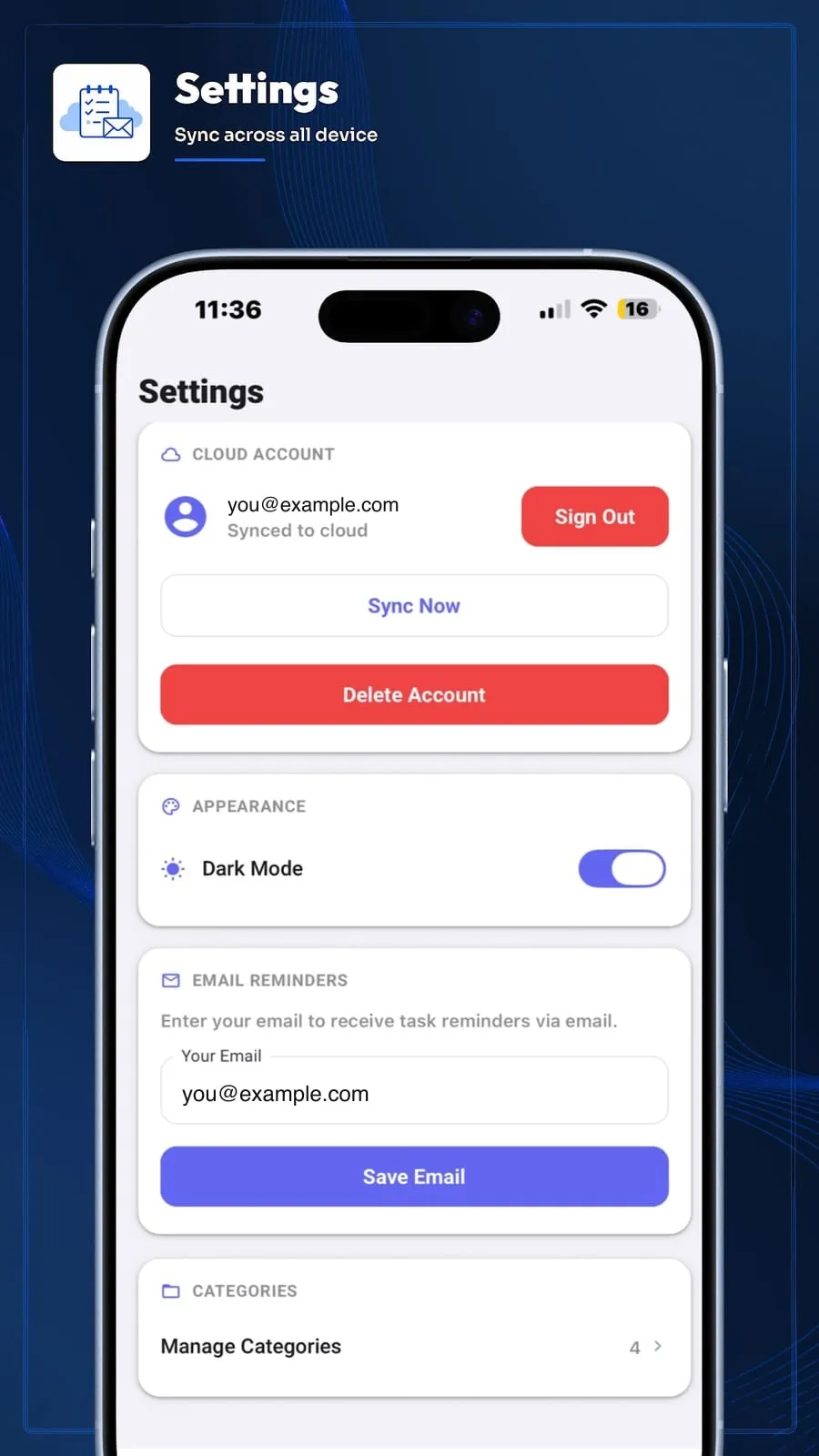
Settings, sync and email
-
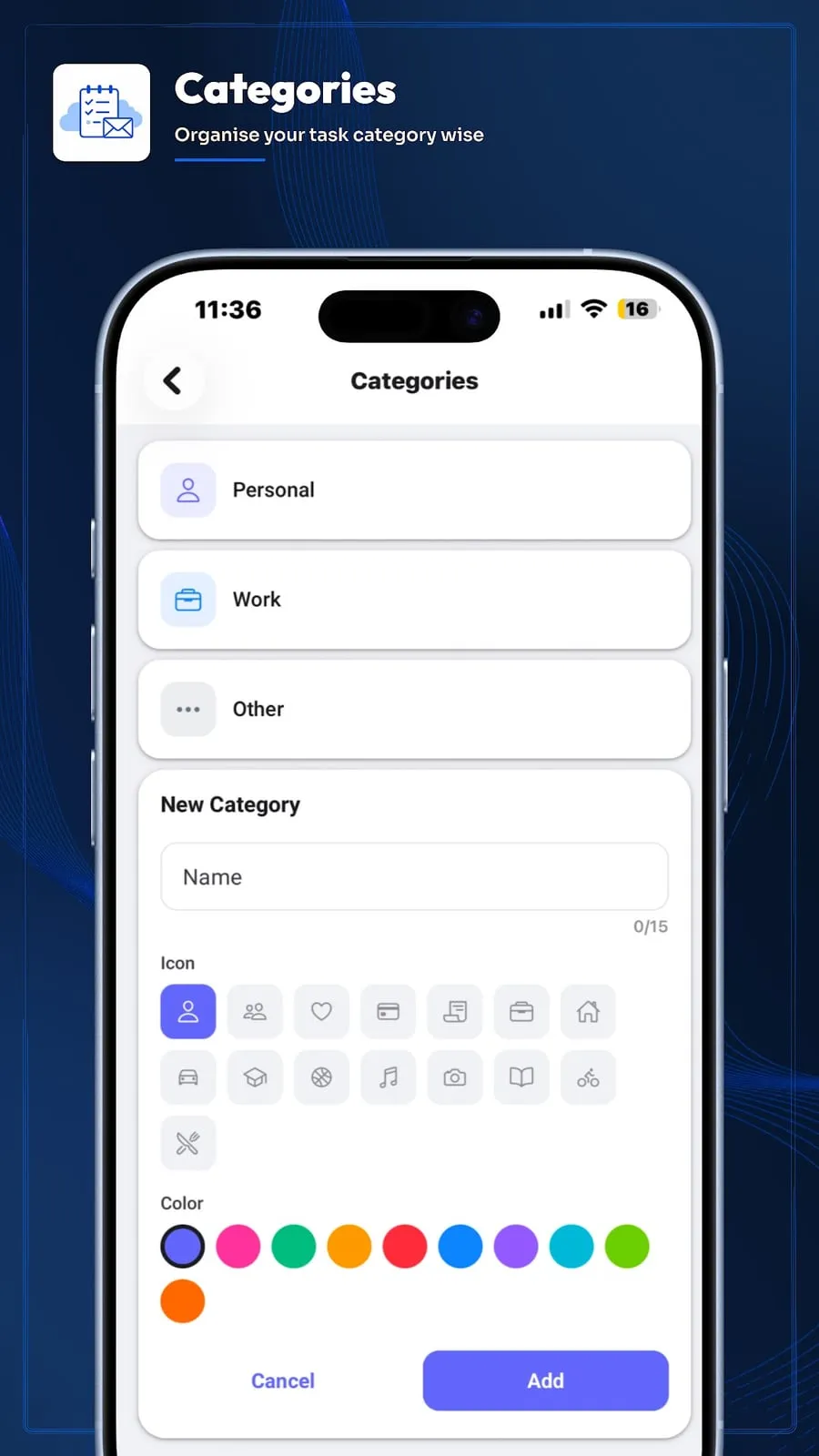
Categories
See Smart Reminder in action

The reminder app that emails you too: Smart Reminder
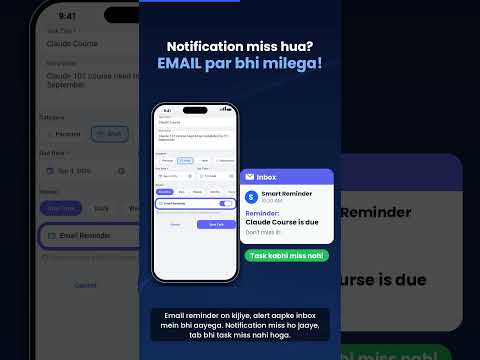
Notification miss ho gaya? Ab reminder email par bhi milega (Hindi)

Smart Reminder app: never miss an important task (Hindi)
How it works
- 1
Add a task
Set the title, due date and time, notes, priority and category. Turn on email reminder for important ones.
- 2
Get the notification
You are reminded at the time you chose. Snooze it or mark it complete right from the notification.
- 3
Still pending? Backup email
If a task with email reminder is still pending or snoozed, the app emails you so you get a second chance.
Frequently asked questions
Is Smart Reminder free?
Yes, it is free to download. The app shows a small banner ad from Google AdMob.
What is the email reminder?
You can turn on an email reminder for a task. If that task is still pending or snoozed after its due time, Smart Reminder emails you as a backup, so nothing slips through.
Is the backup email instant?
No. Pending tasks are checked about every 15 minutes, so the email arrives within minutes of the check, not at the exact second.
Does it work offline?
Yes. Smart Reminder is offline-first: you can add and complete tasks without internet, and it syncs when you reconnect. Email reminders and sync need a connection.
Can I use it on more than one device?
Yes. Tasks sync in real time across your devices when you are signed in.
Does it remind me in battery saver or Low Power Mode?
Reminders are built to fire in those modes. Phones differ, so also make sure notifications are allowed for the app in your phone settings.
Should I rely on it for medicine or other critical alerts?
Smart Reminder helps you remember tasks, but it is not a medical device and no phone app can guarantee delivery. For anything critical, add a second safeguard such as a family member or an alarm.
Related reading
Reminder app for elderly parents: a simple setup guide
How to set up a reminder app for a parent: bigger text, fewer reminders, reliable notifications and a backup so nothing important is missed.
Best reminder app for medication schedules: what to look for
A checklist for choosing a reminder app for a medication routine: timing, snooze, backups and privacy. About reminder timing only, not medical advice.
Reminder app with email backup: never miss a task when notifications fail
Why phone notifications get missed, and how an email fallback gives important tasks a second chance. A practical guide with Smart Reminder.
A calm monthly note
The monthly Jain tithi and festival digest, plus temple travel guides when I publish them. No spam, unsubscribe any time.
Read the Smart Reminder privacy policy · Support · Videos from Pure Perspective · Review this app